






Skip to content

Chores

In beta

Chores kids check off with the TV remote

FamilyOrganization.app is the family organizer on the TV you already own, with an ADHD-friendly visual timeline for each person (Roku now; Apple TV, Fire TV and Google TV coming).

Its chore app lives on that TV: kids check off chores with the remote, so they don't need a phone or tablet, and each person's progress ring turns green as their list gets done.

See how it works

Updated · Feature status checked September 28, 2026

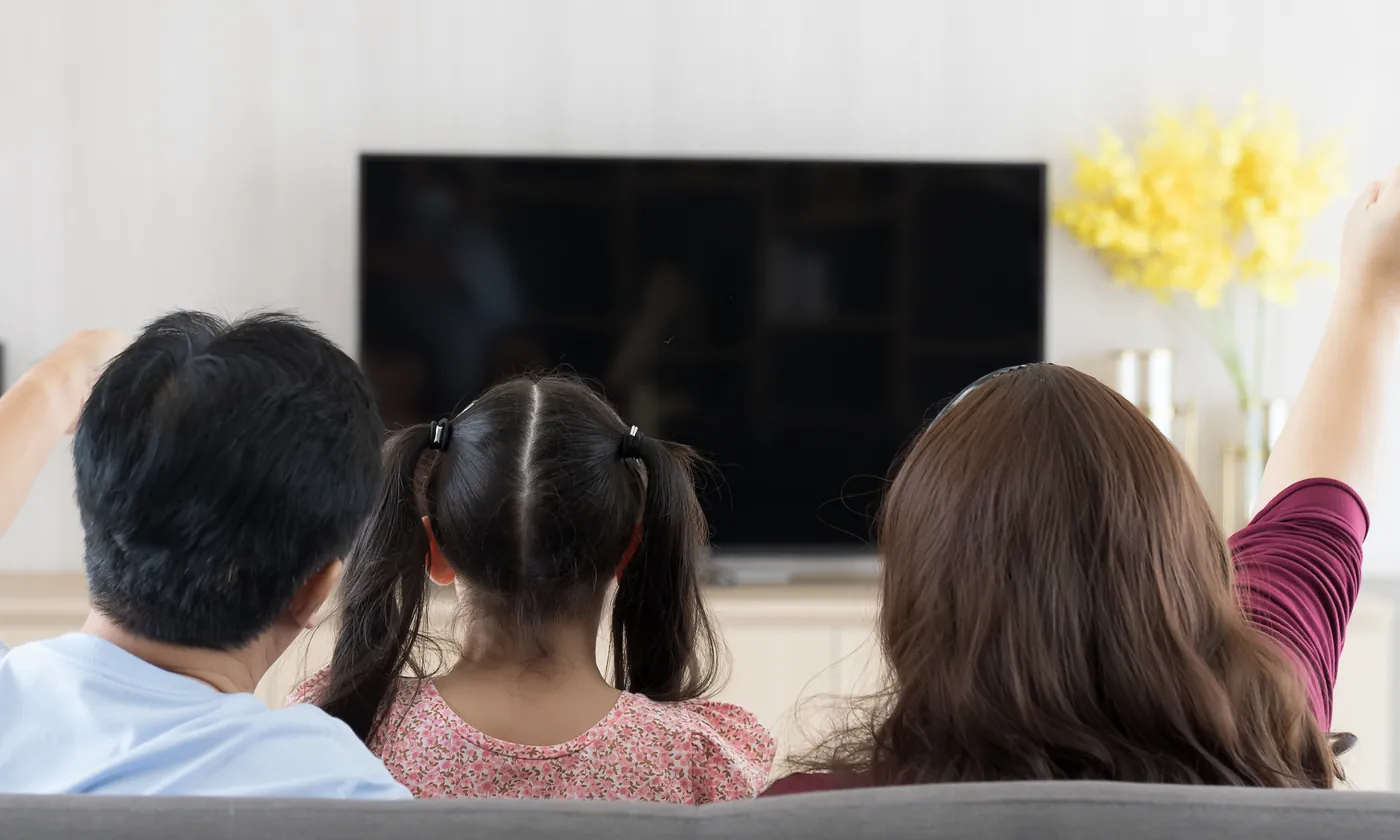
A family on the sofa, seen from behind, watching their TV.
OK on Zoe's card opens her list; she ticks off “Pack soccer bag” with the remote (demo family). Try it: hover over or tap a person on the TV to see their day, then click or tap again to open their task list. Demo: Zoe's task list is open on the TV. She checks off Pack soccer bag, then Brush teeth, and her count goes from 2 of 4 to 4 of 4 done; then Theo checks off Brush teeth.

Short answer

Can kids check off chores on the TV?

Yes. With FamilyOrganization.app, kids check off chores on the TV with the remote: press OK on their card to open their list, then OK to tick a chore.

The card's count, progress bar and ring update at once, and the change is saved to the family's shared list, so the parent's iPhone sees it too. Everyone's progress shows as a ring per person that turns green as chores get done.

No device goes in the child's hands and nothing is installed on a child's phone. Kids don't need accounts: you add everyone once, with a photo, a color and their own get-ready time. The list just sits on the TV, so you can stop repeating yourself.

It works on Roku today, in beta. Apple TV, Fire TV and Google TV versions are coming soon. Most TVs can't do this on their own; it takes an app that shows each child's list and listens to the remote.

Definition

What is a chore app?

A chore app is an app that lists who does which household jobs, repeats them on a schedule and shows what got done, in place of a paper chore chart.

Most chore apps run on a parent's phone, a child's tablet or a wall touchscreen. The job is the same: fewer reminders from you, and a clear picture of what is left.

FamilyOrganization.app is a family chore app built into the TV. Parents add chores and routines in the iPhone app. The TV shows each person's list next to their day, and kids tick items off with the remote. Routines can be timed or anytime, repeat daily, on weekdays, on chosen days or once, and reset every midnight. Chores can rotate between children automatically each day.

Chores sit on a visual schedule for the whole family, drawn to scale on your TV, so a child sees the chore and the time left before soccer in one place. Bigger jobs with no set day, like clearing out the garage, wait in a queue until you pick a day: one-off jobs go in the planner.

How it works

How do chores work on the TV?

You set chores up once on your iPhone; after that, kids tick them off on the TV and the lists reset every midnight.

  1. Step 1: Add your people

    Add each child with a photo and a color. Kids don't need accounts, email or a phone.

  2. Step 2: Add chores and routines

    In the iPhone app, add one-off chores or routines that repeat and reset at midnight. A connector for Claude and ChatGPT is in development.

  3. Step 3: Kids tick them off with the remote

    Each tick turns their ring greener. At midnight routines reset for the next day, and finished one-off chores move to the archive.

Short answer

Is there an app that rotates chores?

Yes. Give a chore to two or more kids and FamilyOrganization.app picks whose turn it is each day, automatically. It's a daily pick, so now and then the same child gets it two days in a row.

Dishes, trash and pet duty can rotate day by day. The turn is worked out from the chore and the date, so the phone and every TV always agree, and the TV settles whose turn it is before anyone can argue.

Families searching for a chore wheel app often want strict turns. This isn't that: it doesn't go round in a fixed order, and it doesn't balance chores by how long they take. Pair jobs of a similar size if that matters in your house.

Why the TV

Why check off chores on the TV instead of a tablet?

Because the TV is already shared, and ticking a chore takes the remote and two presses of OK, with no device in a child's hands.

A tablet is one more screen to charge, share and argue over. The family TV is already there, big enough to read from across the room. Screen-time tools for parents are planned, not built yet, so we don't claim the TV limits anything today.

“Bonus if they compete their tasks and then screen time unlocks.”

Kat A. · Facebook · Sep 2026

Short answer

What is the best chore app for families?

The best chore app for families is the one your kids will actually use without you standing over them.

Three things to check before you choose:

  • Can kids check off chores without a phone or tablet of their own?
  • Do chores repeat, reset and rotate without you redoing them?
  • What does it cost in hardware and subscriptions?

Wall touchscreens like Skylight and Hearth are strong, always-on choices, and both have rewards today. They also mean buying a screen and, for some features, a subscription. FamilyOrganization.app takes a different route: the chore chart runs on a TV you already own, kids use the remote, and chores rotate automatically. Rewards are coming soon. We make FamilyOrganization.app, so weigh this table with that in mind; every competitor fact links to their own site.

Compare further: a Skylight alternative with no screen to buy, or Hearth vs Skylight compared.

Chore charts: the TV you own vs wall touchscreens
FeatureFamilyOrganization.appRuns on your TVSkylight CalendarWall touchscreenHearth Display27-inch wall touchscreen
Hardware you buyNone: a Roku TV you already own$149.99 to $569.991$699 list price3
How kids check off a choreWith the TV remoteBy tapping the touchscreenBy tapping the touchscreen
SubscriptionPricing announced at launchCalendar Plus, $79 a year2Family Membership, $5.76 to $9 a month4
Chores without the subscriptionPricing announced at launchYes: Chore Chart is in the free Basic plan2No: routines and to-dos are in the membership4
Rewards or points for kidsComing soonYes, with Plus2Yes, Stars & Rewards with the membership4
Chores rotate between kids automaticallyYes, day by dayNot verifiedNot verified

Sources

  1. 1. Skylight compare page: 10-inch Calendar from $149.99, 27-inch Calendar Max from $569.99 · checked Sep 26, 2026
  2. 2. Skylight Calendar Plus page: $79 a year; Basic lists Chore Chart, Plus adds Rewards · checked Sep 26, 2026
  3. 3. Hearth Display product page: $699 list price · checked Sep 26, 2026
  4. 4. Hearth Family Membership page: $9 a month, or $5.76 a month on the 3-year plan; routines, Stars & Rewards, to-dos and lists are membership features · checked Sep 26, 2026

Coming next

Are there rewards or points?

Not yet. Rewards and points for kids are coming soon; the settings exist, but no child sees a point yet.

Rewards and points

Coming soon

Points for finished chores, set per household and per child. The settings are in the iPhone app; the part kids see is still being built.

Kids app

Planned

A Kids app with chores and rewards is planned. There is no code for it yet, and we'll share progress on the build log.

Follow the build in public

Families said

What did families say about chores on the TV?

When the TV was shared in Facebook groups in September 2026, families told us why a list on the TV beats asking again.

“…i love that the task just sits on the tv instead of repeatedly asking them to do something”

LittleMagic R. · Facebook · Sep 2026

“Even daily reminders to tick off like brushed teeth and put on deodorant etc”

Kat W. · Facebook · Sep 2026

Comments are quoted verbatim. Read more from the community.

Where it works

Where do chores work?

On Roku TVs and the iPhone app, both in beta. Apple TV, Fire TV, Google TV and Android are coming soon.

On your TV

  • RokuKids tick chores with the remoteIn beta
  • Apple TVComing soon
  • Fire TVComing soon
  • Google TVComing soon

On your phone

  • iPhoneSet up chores and routinesIn beta
  • Android phonesComing soon

FAQ

Questions about chores

Do kids need a phone or tablet to check off chores?

No.

Read the full answer: Do kids need a phone or tablet to check off chores?

Kids check off their chores on the TV with the remote. They don't need accounts, email or a device of their own; a parent sets up the family in the iPhone app.

Can chores repeat on chosen days?

Yes.

Read the full answer: Can chores repeat on chosen days?

A routine can repeat every day, on weekdays, on the days you choose, or once on a date. It can have a start time or run anytime, and it resets at midnight.

Is there a reward system?

Not yet.

Read the full answer: Is there a reward system?

Rewards and points for kids are coming soon: the settings exist in the iPhone app, but no child sees a point yet. A Kids app with chores and rewards is planned.

Can I attach a packing list to an event?

Yes.

Read the full answer: Can I attach a packing list to an event?

Link a checklist to a calendar event, such as cleats, water and shin guards for soccer practice, and it appears every time that event comes round. The link matches the event's exact title, so renaming the event breaks it.

What is the best app to assign chores to kids?

One that lets you give each chore to a named child, repeat it on the right days, and see it done without handing the child a phone.

Read the full answer: What is the best app to assign chores to kids?

In FamilyOrganization.app you assign chores and routines to each person in the iPhone app, rotate them between kids if you like, and kids tick them off on the TV with the remote. We make it, so weigh that; rewards are coming soon.

How much does it cost?

Pricing will be announced at launch.

Read the full answer: How much does it cost?

There is no hardware to buy, because it runs on a TV you already own.

Put the chore chart on the TV you already own.

Chores with the remote are in beta on Roku and iPhone now.

  • No new screen to buy
  • No tablet for the kids