





Skip to content

Family calendar

In beta

The family calendar from your iPhone, on the TV everyone sees

FamilyOrganization.app is the family organizer on the TV you already own, with an ADHD-friendly visual timeline for each person (Roku now; Apple TV, Fire TV and Google TV coming).

Its family calendar app shows the calendars already on your iPhone on the TV, color-coded by person, so the whole family sees who is where today. Sync is one-way, from the phone to the TV.

See what syncs

Updated · Feature status checked September 28, 2026

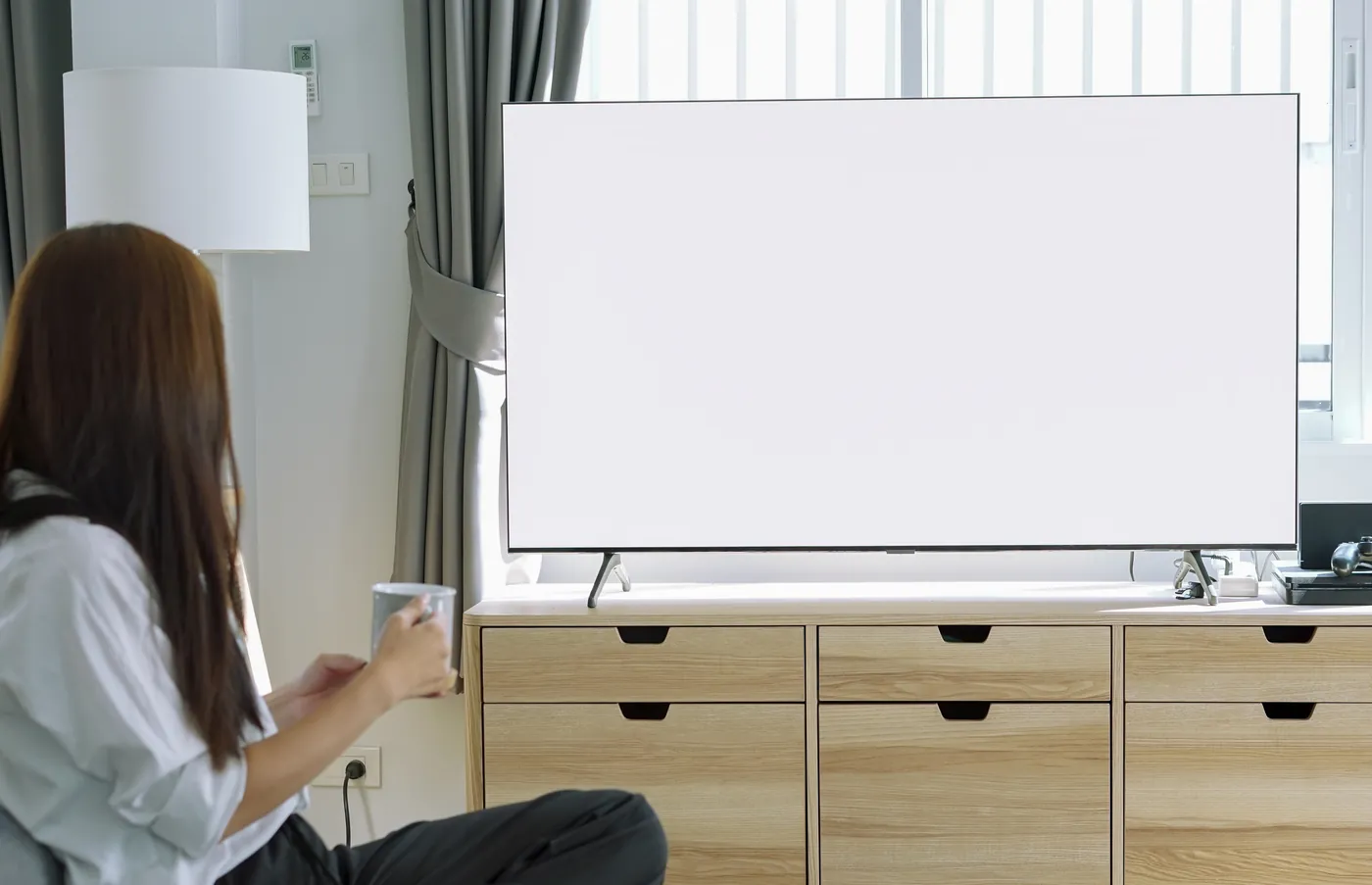
Someone on the sofa with a mug, looking at the family's day on the big living-room TV.
The family calendar on the TV: each person's day in their own color (demo family). Try it: hover over or tap a person on the TV to see their day, then click or tap again to open their task list. Demo: the TV shows the family's day as a timeline for one person at a time, with a red NOW line; events come from the calendars on the iPhone, and it switches between people and opens a task list.

Short answer

What does a family calendar app do?

A family calendar app keeps everyone's appointments in one shared calendar, usually a color for each person, so the family can see who is where and when.

Most live on phones, so each person has to open the app to check it. FamilyOrganization.app puts the family calendar on the TV you already own instead. The iPhone app reads the calendars already on your phone, you give each one to a person or to the whole family, and the TV shows the day in each person's color.

On the TV, each person's events sit on a timeline drawn to scale, with a red line marking the current time. Before an appointment the TV adds a GET READY block sized to that person, a TRAVEL TIME block and a LEAVE IN countdown, so the calendar also says when to start getting ready.

Kids don't need a phone or an account to read it. It works on Roku and iPhone today, in beta; Apple TV, Fire TV and Google TV versions are coming soon.
Definition

Which calendars does FamilyOrganization.app show?

It shows whatever your iPhone's Calendar app holds: iCloud calendars, and Google, Outlook or Exchange accounts added to the phone, one-way from the phone to the TV.

The iPhone app reads the phone's calendars through Apple's calendar system, so anything you can see in the Calendar app can come across. You link each calendar to one person or to Family, and its events are copied into your household. Repeating events, edits and deletions follow.

It syncs when you open the app, when you come back to it, when the phone's calendar changes and when you tap Sync Now, with a background refresh when the phone allows it. The TV checks for changes every 5 minutes, and every 30 seconds while someone is getting ready.

Two things it doesn't do: it never writes back to iCloud, Google or Outlook, and it can't connect to a Google account without the iPhone. The table lists exactly what comes across.

What the family calendar brings to the TV, and what it doesn't
FeatureDoes it come across?How
iCloud calendars on your iPhoneYesRead from the iPhone's Calendar app
Google calendarsYes, through the iPhoneAdd the Google account to the iPhone; its calendars then come across like any other
Outlook and Exchange calendarsYes, through the iPhoneAdd the account to the iPhone first
Repeating events, edits and deletionsYesA change on the phone updates the TV
Changes made on the TV, back into your calendarNoSync is one-way, phone to TV. Two-way sync is planned, not built
A direct Google or Outlook connection, with no iPhoneNoThose calendars come through the iPhone instead
Calendars on an Android phoneNot yetThe Android app is coming soon

Set it up

How do I put our family calendar on the TV?

Install the iPhone app, give each calendar on your phone to a person, then sign in on the Roku or pair it with a 6-character code.

  1. Step 1: Add your people

    Add everyone with a photo, a color and their own get-ready time. Kids don't need accounts, email or a phone.

  2. Step 2: Link your calendars

    In the iPhone app, give each calendar on the phone to one person, or to Family for events that belong to everyone. Events copy across one way.

  3. Step 3: Put it on the TV

    Sign in on the TV with the remote, or pair it with a 6-character code from the iPhone app or familyorganization.app/pair. Pick whose day it shows.

On the iPhone: soccer practice from the phone's calendar, with a leave-by card (demo family).
A TV on the living-room wall above a wooden mantel, showing FamilyOrganization.app.
On the TV: the same practice on Zoe's timeline, with GET READY, TRAVEL and LEAVE IN (demo family).

Short answer

What does the family calendar look like on the TV?

Each person's events sit on their own timeline in their own color, drawn to scale with a red NOW line, and the Family card holds the events that belong to everyone.

The TV shows today. Pick a person with the remote to see their day, or the Family card for household events like dinner or a visit. It is the visual timeline, fed by your calendar, and the iPhone app keeps the full calendar for the weeks ahead.

An appointment with a start time also gets the LEAVE IN countdown, and optional live traffic can size the drive. A calendar event can carry its own checklist too, such as cleats and water for soccer: routines that follow an event. At mealtimes the TV switches to the family meal plan, so dinner sits on the same screen as practice.

“I’ve been creating a family calendar on the black board using a laminator, printer and Velcro”

Carly P. · Facebook · Sep 2026

“…using combo of phone calendars and physical at the moment”

Devin C. · Facebook · Sep 2026

“This is cool so I dont have to buy the skylight and can add to my tv”

Lisa S. · Facebook · Sep 2026

Short answer

How do I create a shared family calendar?

The best way to create a shared family calendar is to use the calendar service your family already has, make one shared calendar in it, and invite each adult.

On an iPhone, share an iCloud calendar from the Calendar app. With Google, a family group gets a calendar called Family automatically, according to Google's help page on the family calendar. Keep each person's own events in their own calendar, so the colors mean something.

A shared calendar only helps if people look at it. That is the part FamilyOrganization.app adds: link the shared calendar to Family and each person's calendar to them, and the whole family sees it on the TV, kids included, without opening an app.

A weekly check-in keeps it current. Our weekly family meeting agenda starts with the week ahead on the calendar.

Short answer

Is there a free family calendar?

Yes. Google Calendar and iCloud Calendar are free and can be shared, and Cozi and TimeTree both have ad-supported free plans with a shared family calendar.

A free shared calendar on everyone's phone is a sensible place to start. The prices below come from each company's own site (checked Sep 26, 2026): Cozi's plans and TimeTree Premium.

FamilyOrganization.app doesn't replace those calendars; it shows the ones on your iPhone on the TV. We make it, so weigh this answer with that in mind. Our pricing will be announced at launch.

Free and low-cost family calendars (checked Sep 26, 2026)
FeatureWhat's freeWhere the family sees it
Google CalendarFree with a Google account; a family group on Google gets a shared calendar called FamilyPhones and computers
iCloud CalendarFree with an Apple Account; share a calendar from the Calendar appiPhone, iPad and Mac
CoziGold is $39 a yearAn ad-supported free plan with a shared, color-coded calendar and listsPhone app and website
TimeTreePremium is $4.49 a monthAn ad-supported free plan with shared calendarsPhone app and website
FamilyOrganization.appIn betaPricing will be announced at launch; there is no hardware to buyThe TV you already own (Roku), set up on the iPhone

Comparison

How is it different from Cozi or Google Calendar?

Cozi and Google Calendar live on phones and the web; FamilyOrganization.app takes the calendars already on your iPhone and puts them on the TV everyone passes, next to each person's timeline and chores.

You don't have to give up Google Calendar to use it: add the Google account to your iPhone, and FamilyOrganization.app shows its calendars on the TV. Cozi keeps its own shared calendar, lists and meal planner in its app (Cozi's feature overview).

What they do that we don't: both work on Android and the web, and anyone can add an event from any phone. FamilyOrganization.app needs an iPhone for calendar sync today, sync is one-way, and you add events in the phone's calendar, not on the TV. For more apps side by side, see every comparison, dated and sourced.

FamilyOrganization.app, Cozi and Google Calendar compared (checked Sep 26, 2026)
FeatureFamilyOrganization.appIn betaCoziGoogle Calendar
Where the family sees itOn the TV you already own (Roku), and on the iPhonePhone app and websitePhone app and the web
Where events come fromThe calendars on your iPhone, one-wayIts own calendar, plus iCal feeds you addIts own calendars, shared with others
A color for each personYesYesA color for each calendar
Chores kids tick off without a phoneYes, with the TV remoteTo-do lists in the appNo
Meal plansYes, with a mealtime menu on the TVRecipe box and meal plannerNo
Android and the webNot yet: coming soonYesYes
PriceAnnounced at launchFree; Gold $39 a yearFree

Where it works

Where does the family calendar work?

On Roku TVs and the iPhone app, both in beta. Apple TV, Fire TV, Google TV and Android are coming soon.

On your TV

  • RokuShows each person's calendar on the timelineIn beta
  • Apple TVComing soon
  • Fire TVComing soon
  • Google TVComing soon

On your phone

  • iPhoneBrings in the phone's calendarsIn beta
  • Android phonesComing soon

Other ways to get a calendar onto a TV, and what each one needs: the family calendar on your TV.

FAQ

Questions about the family calendar

Is Google family calendar free?

Yes.

Read the full answer: Is Google family calendar free?

Google Calendar is free with a Google account, and when you create a family group on Google, a calendar called Family is created for it automatically. To see it on the TV with FamilyOrganization.app, add that Google account to your iPhone so the calendar shows in the phone's Calendar app.

Does it sync both ways?

No.

Read the full answer: Does it sync both ways?

Sync is one-way, from the phone to the TV: nothing is written back to iCloud, Google or Outlook. Add and edit events in your phone's calendar as you do now, and the TV follows.

Can I connect my Google account directly?

No.

Read the full answer: Can I connect my Google account directly?

There is no direct Google or Outlook connection. Add the account to your iPhone's Calendar app, and FamilyOrganization.app reads its calendars from there.

Does it work with Android?

Not yet.

Read the full answer: Does it work with Android?

Calendar sync needs an iPhone today, and an Android app is coming soon. Kids never need a phone: they read the calendar on the TV.

Does the TV show the whole week?

No.

Read the full answer: Does the TV show the whole week?

The TV timeline shows today, for one person or the whole family, and the iPhone app shows the full calendar. The meal menu and the planner on the TV have week views.

Who can see our calendar?

Only your household.

Read the full answer: Who can see our calendar?

Your family's data is visible to your household alone, and you can delete your account from the app at any time.

How much does it cost?

Pricing will be announced at launch.

Read the full answer: How much does it cost?

There is no hardware to buy, because it runs on a TV you already own.

Put your family calendar on the TV you already own.

The family calendar is in beta on Roku and iPhone now. Apple TV, Fire TV and Google TV are coming soon.

  • No new screen to buy
  • Kids don't need a phone